Being invisible on Google can quietly limit your business’s growth — especially when customers are actively searching for exactly what you offer. In this video, we’ll show you how to improve your visibility by properly categorizing your business on your Google Business Profile, helping you connect with the right customers at the right time and show up where it matters most. Watch below:
Transcript: You might already know that being invisible on Google can actually limit a business’s growth. That’s a problem many businesses face, but today we’re going to solve it by sharpening your visibility where it matters the most.
For a quick example, imagine you’re searching for a plumber in Ottawa to fix a clogged drain, and then you only find anything but actual plumbers. It would be extremely frustrating. I think you’d agree. And that’s the exact reason why correctly categorizing your business on your Google Business Profile or GBP isn’t just beneficial. It’s essential for connecting your business with the right customers who are actively searching for what you offer.
To do this, we need to be logged into Google with the same email that manages your Google business profile. To reach it, you’re going to simply search for my business on Google or visit business.google.com. You can check the description for a direct link. Once you’re logged in, your profile is going to appear at the top of the search results.
We’re going to go ahead and hit edit profile for us to edit your primary category. We’re going to click the business category option. And here we have the opportunity to enter our primary category.
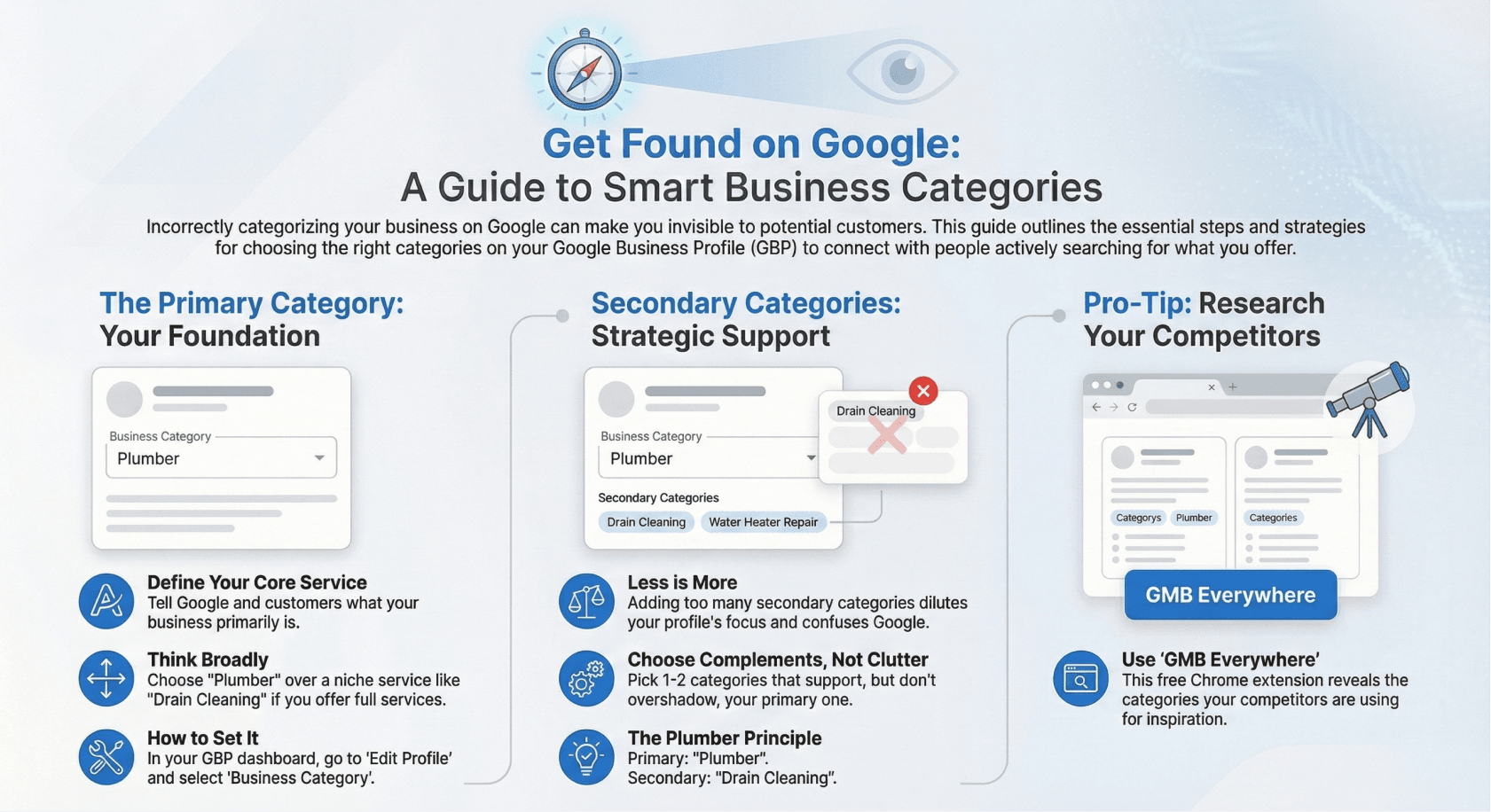
This is your chance to tell Google and your customers this business is primarily a — you’re going to want to think broadly here. So choosing plumber or plumbing as your primary category instead of drain cleaning if you’re a full service plumber.
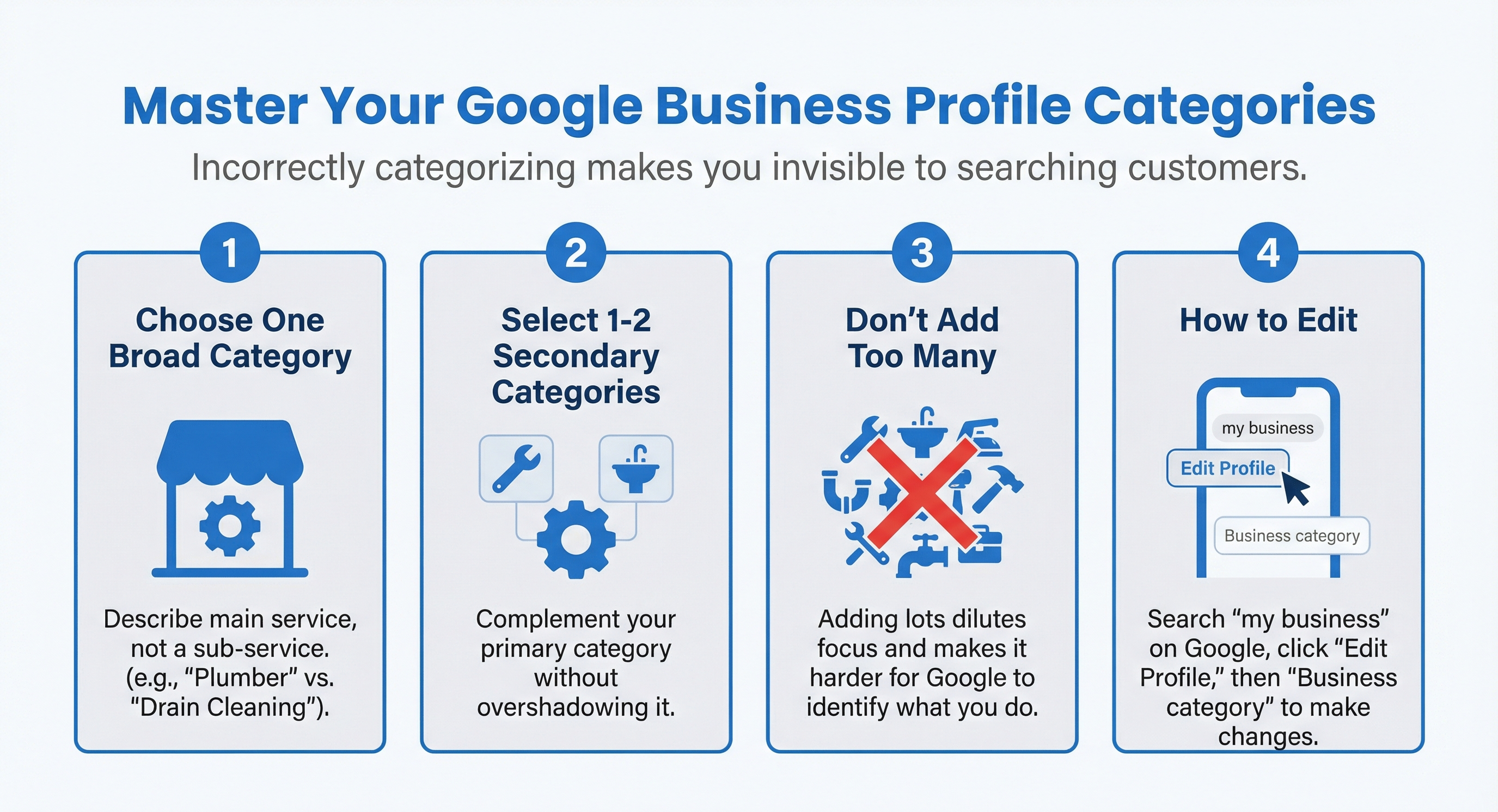
You also have the option to do some secondary categories. And this is where the strategy portion comes in. It can be tempting here to add a bunch of different secondary categories to cover all of your services. But doing that can actually dilute your profile’s focus and make it more difficult to appear for the things you’re trying to appear for.
Instead of adding a bunch of different secondary categories, pick one or two that complement your primary category, and maybe they didn’t make the cut as your primary category. These are the losers from the primary selection process. They’re important, but they’re not really the main highlight of your business. They don’t best describe it all.
So again, with the plumbing example, if plumbing is your primary category, drain cleaning could be a great secondary category. It supports your main category but doesn’t overshadow it. Again though, selecting too many secondary categories can spread your relevance too thin and just make it harder for Google to identify what you actually offer.
Now, if you want a little extra help trying to find your categories, you can use a tool called Google My Business Everywhere, which is a free Google Chrome extension that reveals the categories your competitors chose. It looks something like this, and it can give you some insights into what might work best for your profile as well.
Of course, once you’re happy, go ahead and hit save. There you have it. A straightforward guide to improving your visibility on Google just by adding categories to your GBP.
Stick with me and we’re going to keep pushing your business forward and make sure you’re not only visible, but prominent where it counts. I’ll see you in the next video.

firstrank.ca